Social media needs a steady flow of images. Photoshop for social media works best when you build a setup once and reuse it, so every new post takes minutes instead of an hour.
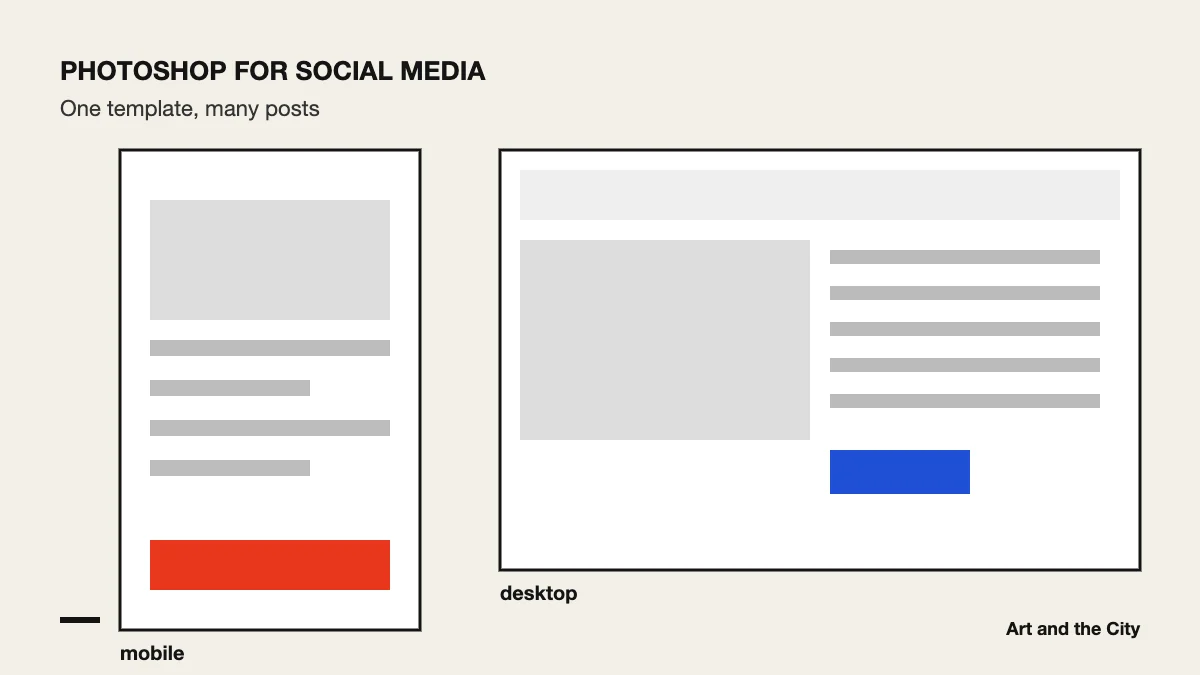
Every platform has its own recommended image sizes, and they change over time. So check the current sizes on the platform itself, for example in the Instagram Help Center, before you build your files.
Make one file with guides for margins and for the area that stays visible on a phone. Then duplicate it for every new post.
Save your brand colors as swatches and use one or two fonts. As a result, people recognize your posts faster in a busy feed.
Place photos as smart objects. That way you can swap the picture in your template without rebuilding the design.
Export in the sRGB color profile. Use JPG for photos and PNG for graphics with flat color or sharp text. In addition, keep the file size small so posts load quickly.
Look at your post on a real phone before you publish. Text that is easy to read on a laptop can be too small on a phone.
Photoshop is one of three Adobe programs in our online graphic design course. Illustrator, the second one, is the better tool for logos and icons. Want a quick start? Read Photoshop for beginners: 5 skills to learn first.
