Photoshop has hundreds of tools. Luckily, you do not need most of them at the start. These five skills cover the basics of Photoshop for beginners, and together they handle most everyday image tasks.
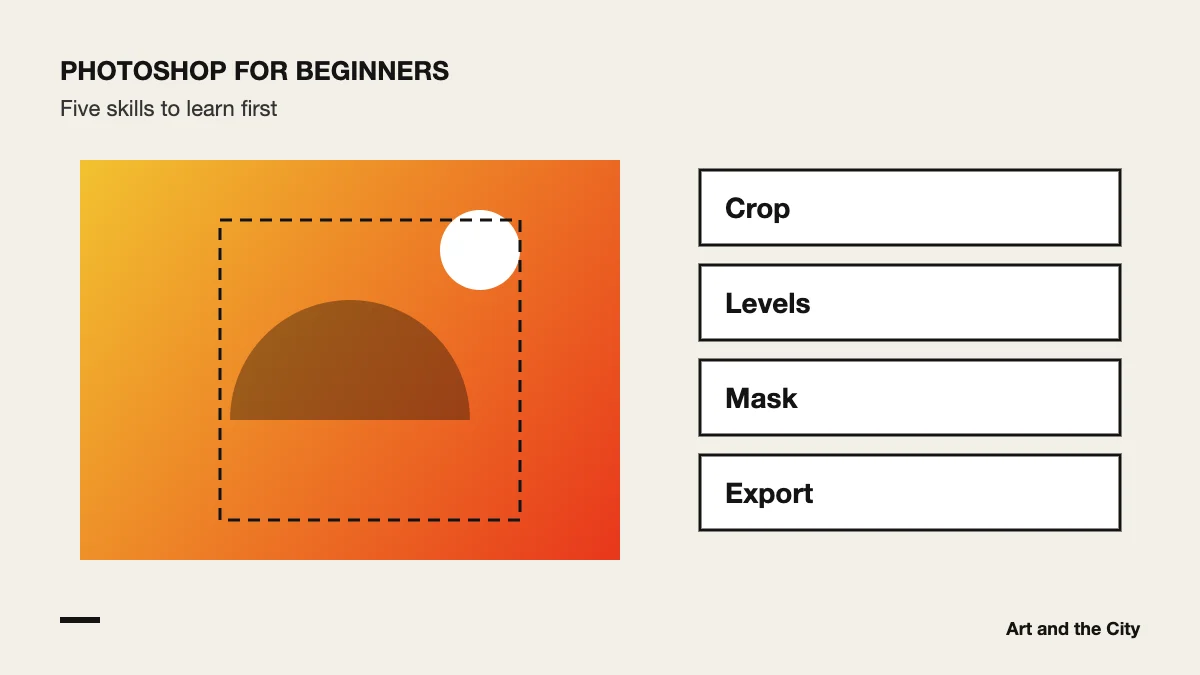
Layers keep every part of your image separate. Name them, group them and keep the original image untouched. This habit saves you hours later, especially when a client asks for “one small change”.
A selection tells Photoshop which part of the image you want to change. A mask then hides that part without deleting it. As a result, masks let you change your mind at any moment.
Use adjustment layers such as Levels and Curves to fix brightness and contrast. Then adjust color so the image looks natural or fits the mood you want.
Remove small distractions with the healing and clone tools. Work on a separate layer so that you can undo every step.
Choose the right size, resolution and format for where the image will be used. For example, a photo for a website needs very different settings than a poster.
Take one of your own photos. First fix the tone, then remove one distraction, and finally place a headline on it. Export it twice: once for a website and once for print. Afterwards, compare the file sizes and the sharpness.
When you want to look up a single tool, Adobe’s Photoshop user guide is the most reliable reference. Still, most people learn faster with feedback. Photoshop is one of the three Adobe programs in our online graphic design course, next to Illustrator and InDesign. There you practice with a teacher who reviews your work.
