InDesign is the program for layouts with a lot of text and many pages. This guide to InDesign for beginners shows when to choose it, what to learn first and how to practice without getting lost in menus.
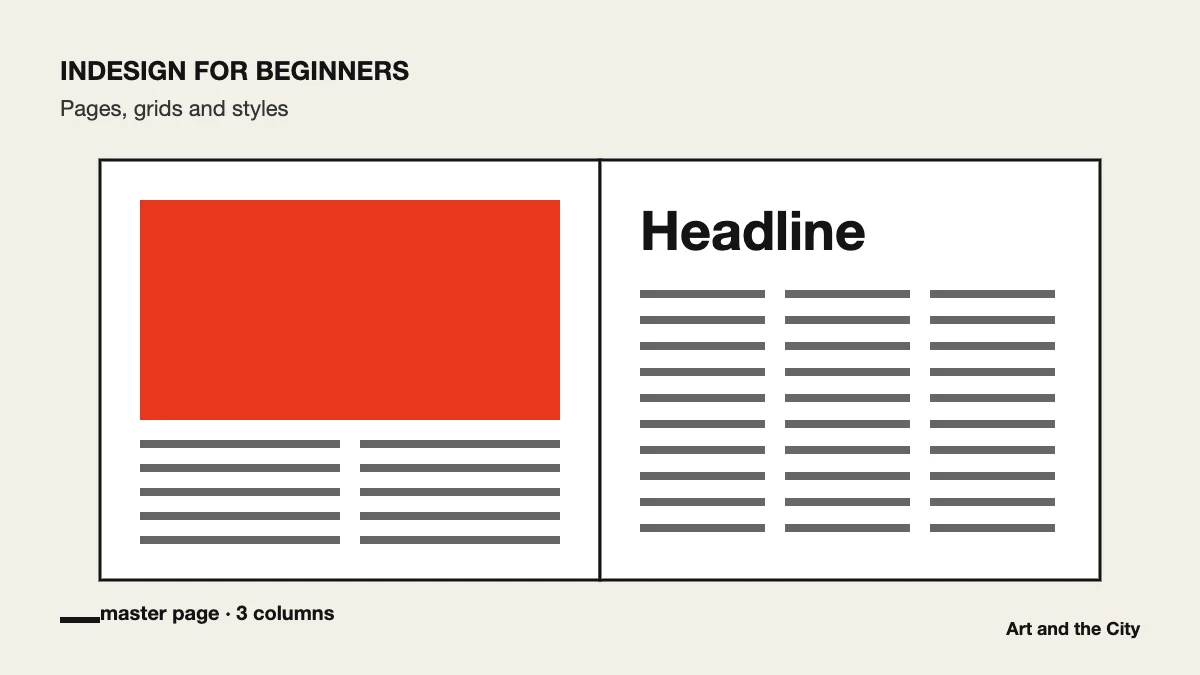
Use Photoshop for images. Use Illustrator for logos, icons and drawings. Use InDesign when you bring text and images together on pages: brochures, magazines, reports and e-books. In short, if a document has more than one page, InDesign is usually the right tool.
Most beginners format text by hand. That works for one page. However, on a twenty-page report it quickly becomes chaos. With paragraph styles you decide once what a heading, an intro and body text look like. After that, a single change updates the whole document.
Design a four-page leaflet for a subject you like. Use one grid, two fonts and paragraph styles for every text level. Then export it for print and for screen, and compare the two PDFs. For example, check the file size and the color of the images.
Adobe’s InDesign user guide explains every panel when you get stuck. Even so, learning goes faster with someone who looks at your files. InDesign is one of the three programs in our online graphic design course. You learn it with live lessons and feedback on every assignment.
