Use these free tools to design faster, make better decisions, and generate ready-to-use CSS, color codes and layouts.
Generate strong color palettes for branding, web design and social media.
Convert HEX, RGB and HSL into usable color codes instantly.
Create gradients and copy ready-to-use CSS code.
Create subtle or expressive shadows for UI elements and layouts.
Check if your color combinations are readable and accessible.
Find font combinations that work visually together.
Build a consistent typography hierarchy for your designs.
Create layout grids for web design and print.
Calculate image and video ratios for responsive design.
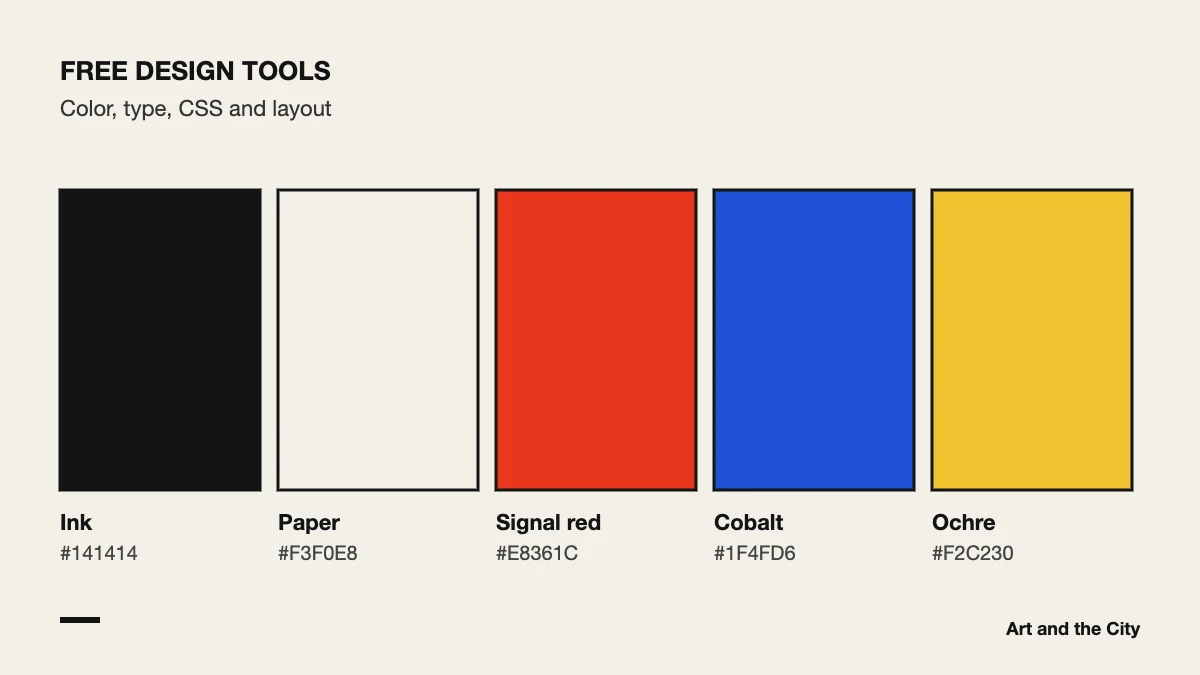
These free design tools were built by Art and the City for our own students. Each one does a single job, so you can open it, get your answer and go back to your design. You do not need an account, and every result comes as a code you can paste straight into your work.
Start with color. First pick a palette in the Color Generator, then convert the codes you need with Convert Colors. After that, run your text and background colors through Contrast Check. The W3C explains in its guidance on contrast why a ratio of at least 4.5:1 matters for body text.
For typography, Font Match suggests pairings and Type Scale gives you a set of sizes that work together. As a result, your headings, intros and body text form a clear hierarchy. For layout, the Grid Calculator works out columns and gutters, while the Aspect Ratio Tool keeps images and video in proportion on every screen.
Finally, the CSS Gradient Generator and the Box Shadow Generator save you from writing CSS by trial and error. Adjust the sliders, check the preview and copy the code.
A tool can tell you that two colors have enough contrast. However, it cannot tell you whether they fit the story you want to tell. That judgement comes from practice and feedback, which is exactly what our courses are about.
These tools help you move faster. Our courses teach you how color, typography, layout and interaction work together in real design.
Explore our courses